

The following article vides into a powerful strategy that can significantly boost your online presence: turning your videos into blog posts using AI.
This method not only saves time but also helps you rank higher in search results. Let’s explore how you can repurpose your YouTube videos into SEO-optimized blog content in just minutes.
Key Takeaways
- Repurposing YouTube videos into blog posts can improve your search engine rankings
- AI tools like ChatGPT and Claude can quickly convert video transcripts into well-structured blog content
- Customizing and humanizing the AI-generated content is crucial for better SEO performance
How to Turn Videos to Blog Posts (Video)
Why Convert Videos to Blog Posts?
Before we jump into the how-to, let’s understand why this strategy is so effective.
When you repurpose a YouTube video into a blog post, you’re essentially creating two pieces of content that can rank in search results. This approach gives you more visibility and increases the chances of reaching your target audience.
For example, if you search for a specific topic, you might find both a YouTube video and a related blog post ranking on the first page of Google.
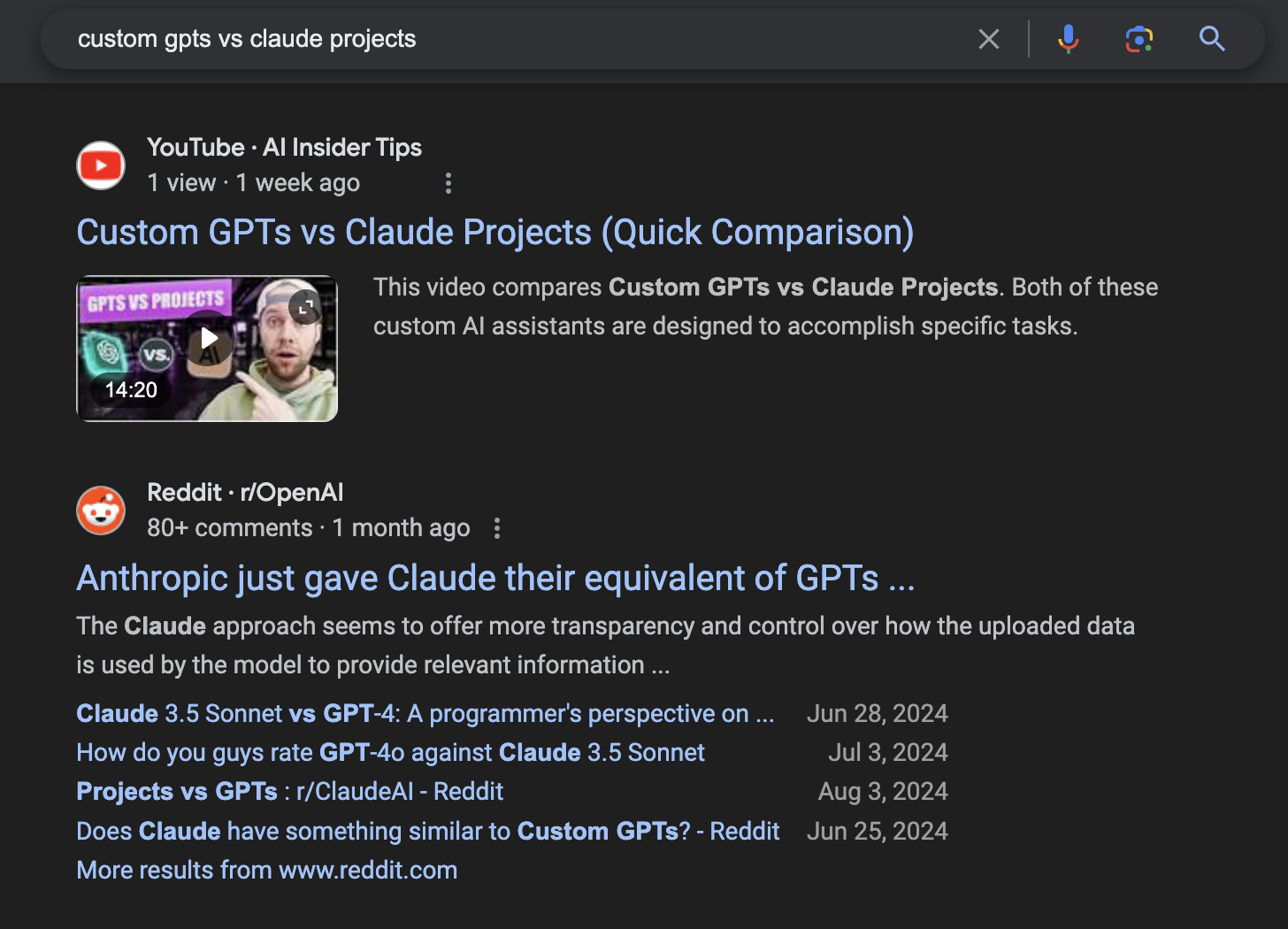
By having both formats, you’re doubling your chances of being discovered by potential viewers or readers.
Tools for Converting Videos to Blog Posts
There are several AI tools available for this task, but we’ll focus on two options:
- ChatGPT (with GPT-4o)
- Claude
Both of these AI assistants can help you quickly transform your video content into well-structured blog posts.
While there are other video-to-blog converters out there, using ChatGPT or Claude gives you more control over the output and often produces higher-quality results.
How to Convert Videos to Blog Posts With AI
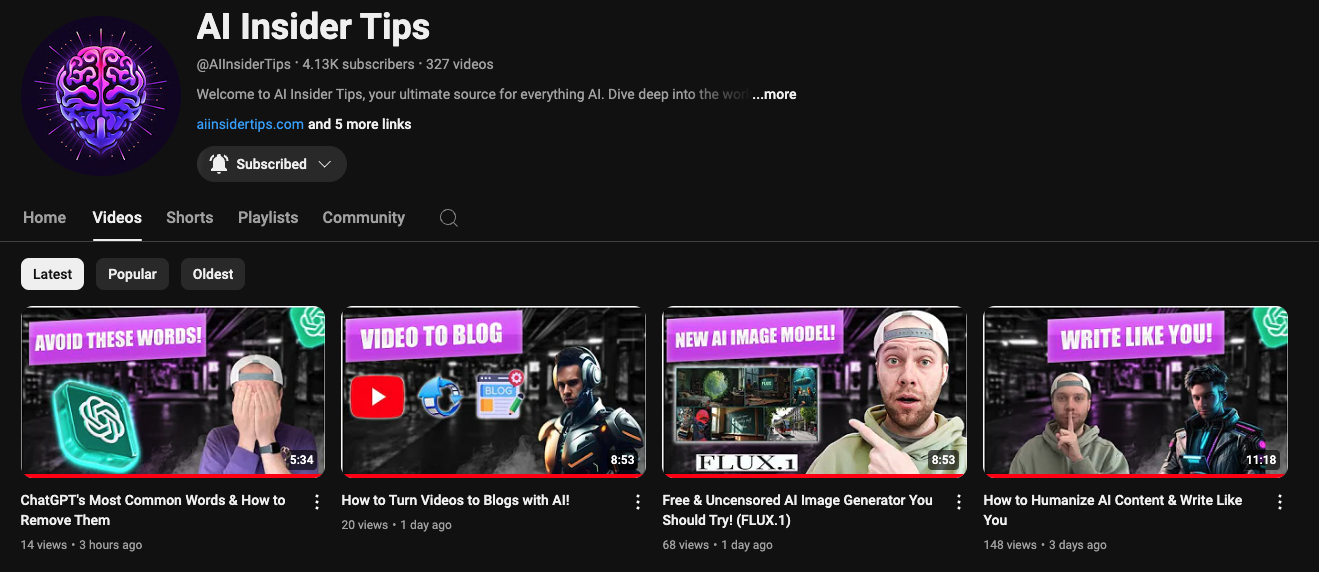
Step 1: Choose Your Video
Select a YouTube video or podcast episode that you want to repurpose into a blog post. Ideally, choose content that’s evergreen or highly relevant to your audience.
Step 2: Get the Video Transcript
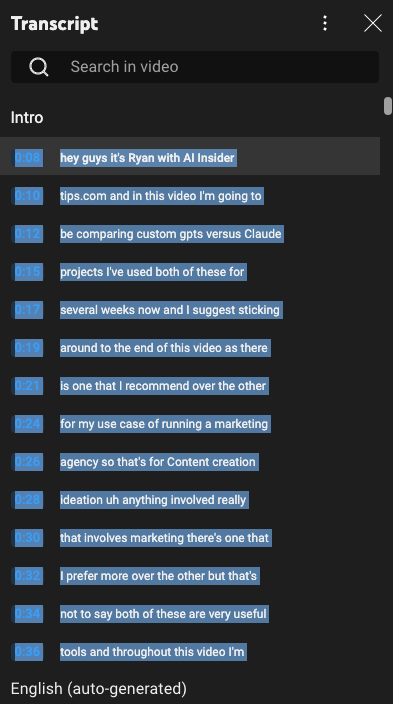
- Open your chosen video on YouTube
- Click on the “Show transcript” option below the video description
- Copy the entire transcript
Step 3: Use AI to Generate the Blog Post
Using ChatGPT (Plus subscription recommended)
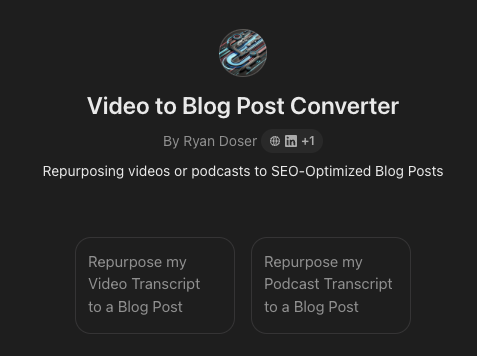
- Access ChatGPT and use a custom GPT designed for video-to-blog conversion (if available)
- Provide the target keyword and paste the video transcript
- Wait for the AI to generate the blog post
Using Claude (Pro subscription recommended)
- Open Claude and use a project designed for video-to-blog conversion (if available)
- Input the target keyword and paste the transcript
- Let Claude create the blog post, including an SEO title and meta description

Step 4: Review and Customize the Content
Once you have the AI-generated blog post, it’s crucial to review and customize the content:
- Copy the generated content into your preferred content management system (e.g., WordPress)
- Add relevant images, internal links, and outbound links
- Embed the original video in the blog post
- Adjust the formatting and structure for better readability
- Proofread and edit the content to ensure it sounds natural and engaging
Step 5: Optimize for SEO
To maximize the impact of your repurposed content:
- Use the AI-generated SEO title and meta description as a starting point
- Incorporate your target keyword naturally throughout the post
- Add alt text to images
- Create a compelling introduction and conclusion
- Use header tags (H2, H3) to structure your content logically
Tips for Success
- Don’t just copy and paste: Always review and enhance the AI-generated content
- Add your personal touch: Include insights or examples not mentioned in the video
- Update regularly: Refresh your blog posts periodically to keep them relevant
- Monitor performance: Track how your repurposed content performs in search results
- Experiment with different AI tools: Try both ChatGPT and Claude to see which works best for your needs
By following this process, you can quickly transform your video content into SEO-optimized blog posts that have a better chance of ranking in search results.
This strategy not only saves time but also helps you reach a wider audience and establish your expertise in your niche.
Final Thoughts
Converting videos to blog posts using AI is a powerful way to expand your online presence and reach more people with your content.
By leveraging tools like ChatGPT and Claude, you can quickly repurpose your YouTube videos into well-structured, SEO-optimized blog posts.
Just remember to review, customize, and humanize the AI-generated content to ensure it resonates with your audience and performs well in search results.
Start implementing this strategy today, and watch your online visibility grow!
FAQs
Can I use this method for podcasts as well?
Yes, you can apply the same process to convert podcast episodes into blog posts. Simply use the podcast transcript as input for the AI tools.
Will Google penalize me for using AI-generated content?
As long as you review, edit, and enhance the AI-generated content to make it unique and valuable, you shouldn’t face penalties. Google’s focus is on high-quality, helpful content, regardless of how it’s initially created.
How often should I repurpose my videos into blog posts?
It’s best to focus on your most popular or evergreen videos first. You can then establish a regular schedule, such as repurposing one video per week, depending on your content production capacity.
Do I need technical skills to implement this strategy?
No significant technical skills are required. Basic familiarity with content management systems like WordPress and some understanding of SEO principles will be helpful, but the process is generally straightforward.
Can this method work for non-English content?
Yes, many AI tools, including ChatGPT and Claude, support multiple languages. You can use this method to repurpose videos in various languages, as long as you have an accurate transcript.


