

The following article explains How to Use AI for Beginners with real-world examples.
Artificial intelligence (AI) can seem overwhelming at first, but with the right approach, it becomes an invaluable tool.
Whether you’re seeking to save time, brainstorm ideas, or simplify complex information, understanding the basics of AI is key.
Key Takeaways
- Adopt an AI-first mindset: Use AI tools as your initial resource for problem-solving.
- Start small: Begin with basic use cases like brainstorming ideas or summarizing articles.
- Leverage tools effectively: Explore platforms like ChatGPT, Claude, and NotebookLM for tailored solutions.
AI for Beginners Video
Developing an AI-First Mindset
Starting your AI journey begins with shifting your perspective.
Before AI tools like ChatGPT became accessible, solving problems often involved extensive searching or consulting others. Now, these tools can serve as your first line of support.
Adopting this mindset doesn’t mean viewing AI as a magic solution for all challenges.

Instead, treat it as an advanced assistant. To maximize its potential, focus on providing clear and detailed inputs.
This principle, often summarized as “quality inputs lead to quality outputs,” ensures AI tools deliver better results.
Pro Tip: Generative AI tools like ChatGPT, Claude, and NotebookLM offer various capabilities. Subscribing to premium versions unlocks enhanced features worth exploring.
How to Use AI for Beginners (Top Use Cases)
1. Ideation
Struggling with content or business ideas? AI tools like ChatGPT can assist with brainstorming. For example:
- Generate business ideas tailored to your budget and skills.
- Brainstorm content topics for social media or YouTube.
Example prompt: “Suggest five business ideas I can start with minimal upfront capital. Include pros and cons for each.”
AI can provide actionable suggestions, and you can refine these further by asking follow-up questions.
2. Summarization
Time is valuable, and AI excels at condensing lengthy content. Whether it’s summarizing an article, an ebook, or even a PDF, AI tools save hours of reading while highlighting critical points.
For instance:
- Scenario: You find a detailed article about SEO trends.
- Action: Use ChatGPT to summarize the article into five key takeaways.
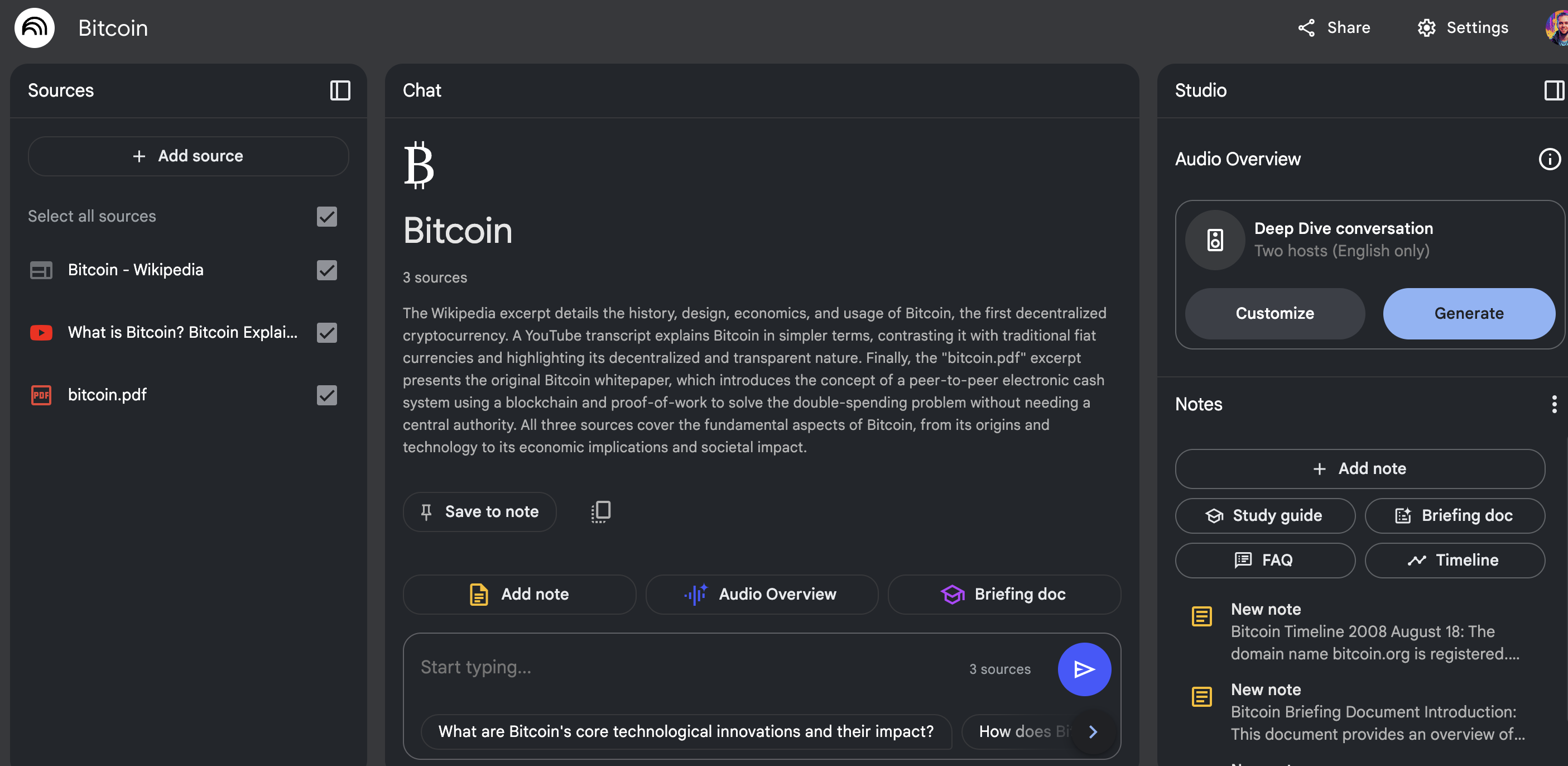
Tools like NotebookLM elevate this further by analyzing multiple sources simultaneously, ensuring accurate summaries.
3. Simplifying Complex Topics
Learning about advanced subjects becomes easier with AI. ChatGPT and NotebookLM can break down intricate concepts into digestible pieces. For example:
- Explain Bitcoin as if you’re talking to a child.
- Create study guides or FAQs based on technical material.
With NotebookLM, you can customize sources, making it ideal for academic or professional research.
4. Content Creation
Short-Form Content
AI can help you craft tailored social media posts. By inputting your desired topic, you’ll receive platform-specific suggestions for LinkedIn, Instagram, and more.
Example:
- Prompt: “Generate three LinkedIn posts about the benefits of NotebookLM for researchers.”
- Output: Posts formatted for professional audiences with engaging hooks.
Long-Form Content
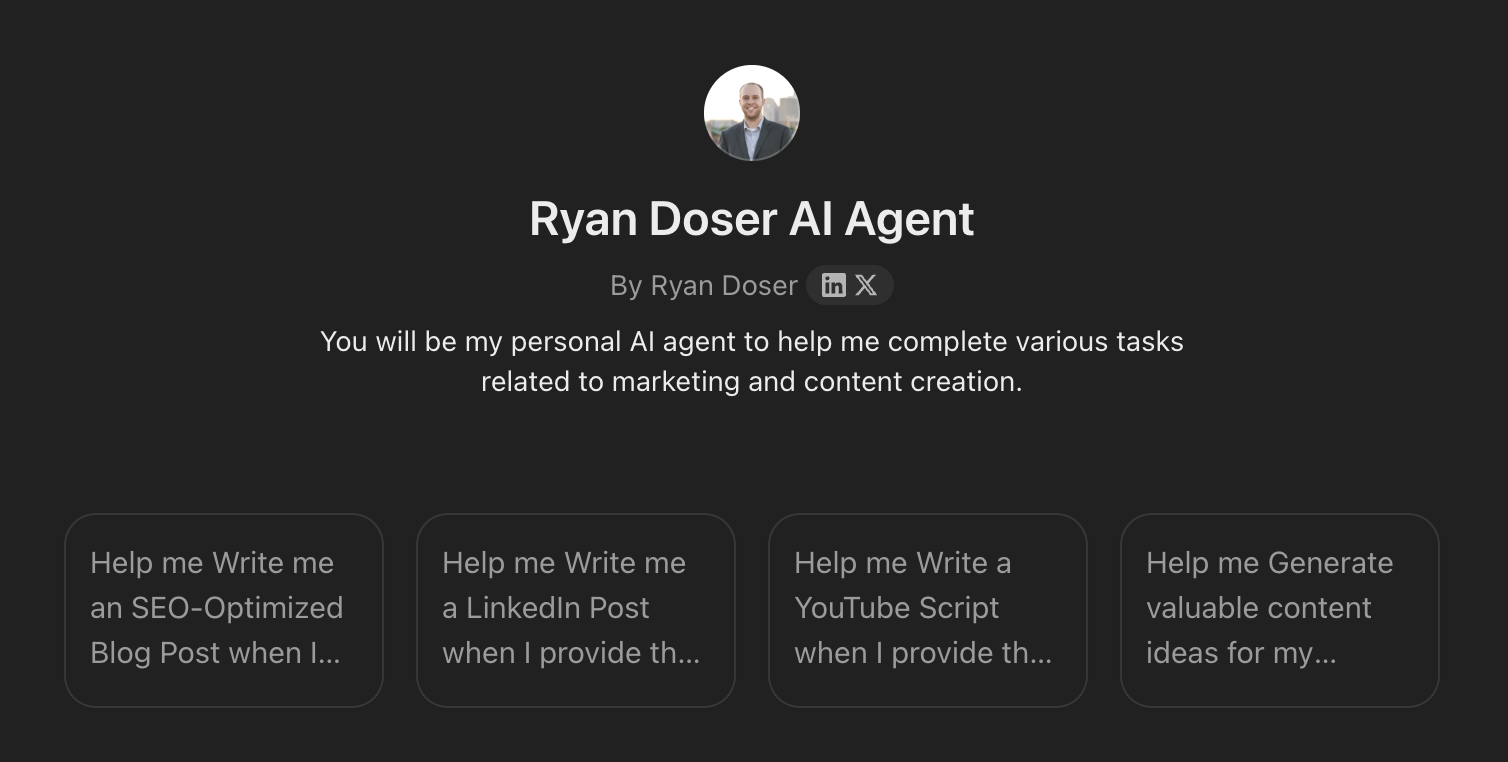
Blog writing can be daunting, but AI simplifies the process. Start with an outline generated by ChatGPT or Claude, then refine it to match your tone and brand.
Caution: Avoid publishing raw AI-generated text. Edit and optimize to ensure originality and SEO compliance.
For best outputs, I recommend creating a Custom GPT or Claude Project for creating content.
5. Research
For tasks like keyword or market research, tools such as Perplexity AI provide in-depth insights.
With targeted queries, AI can generate detailed tables, including search volume, competition metrics, and content ideas.
Example:
- Prompt: “Provide keyword research for marketing strategies in Des Moines, Iowa.”
- Result: Actionable data, including keyword suggestions and competitive analysis.
6. AI Images
AI extends beyond text. Platforms like DALLE and MidJourney help generate visuals for logos, thumbnails, and social media campaigns.
While these outputs aren’t always perfect, they provide a cost-effective starting point.
For example, redesigning a logo using ChatGPT’s design prompts can yield quick variations, saving time and money.
Final Thoughts from Ryan
AI offers practical solutions for beginners across industries. Whether it’s ideation, summarization, or visual creation, starting small ensures you gain confidence with these tools.
Remember, AI isn’t a replacement—it’s a resource to amplify your productivity. Embrace the learning curve, experiment with different applications, and let AI streamline your workflow.


